Difference Between Test Page And Calibration Page
Have you ever pressed print and got a page full of streaks, faded colors, or weird lines? Did your printer’s screen suddenly ask you to “print a test page” or “run a calibration”? And did you just sit there wondering, what’s the difference between these two things anyway? You are not alone.
Thousands of people search this exact question every single day. Some think a test page and a calibration page are the same thing. They are not. And knowing the difference can save you time, save your ink, and even save you from buying a new printer you didn’t actually need. In this guide, you’ll learn the difference between the test page and the calibration page, when to use each one, and which one can fix your printing problem faster. Just simple, friendly explanations that make sense, even if you have never touched a printer setting in your life. Keep on reading.
What Is a Test Page?
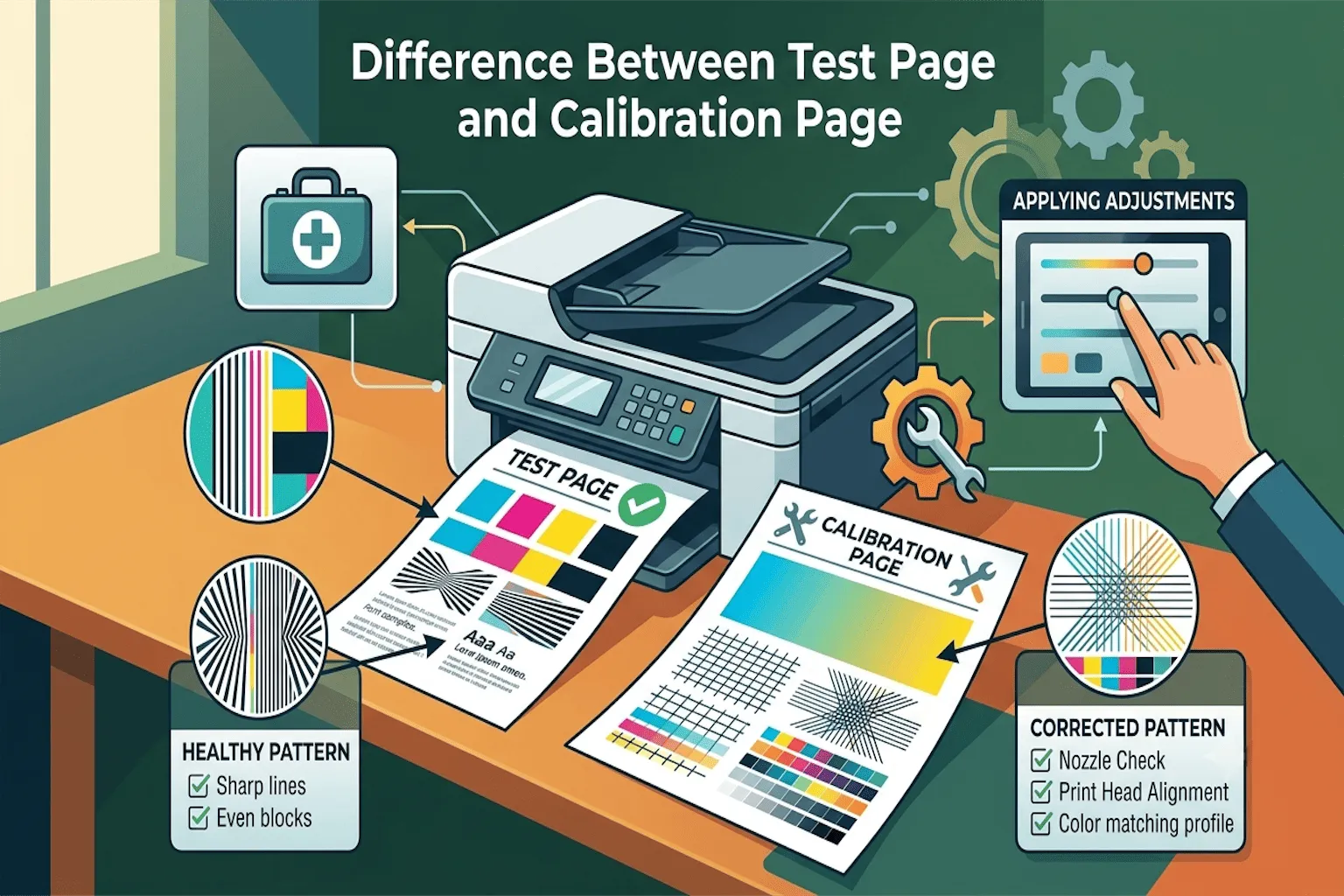
A test page is like a health checkup for your printer. It is a document your printer prints out so you can look at it and see if everything is working the way it should. Think of it like this, if your printer were a person, a test page would be like a doctor checking your temperature, blood pressure, and heartbeat all at once.
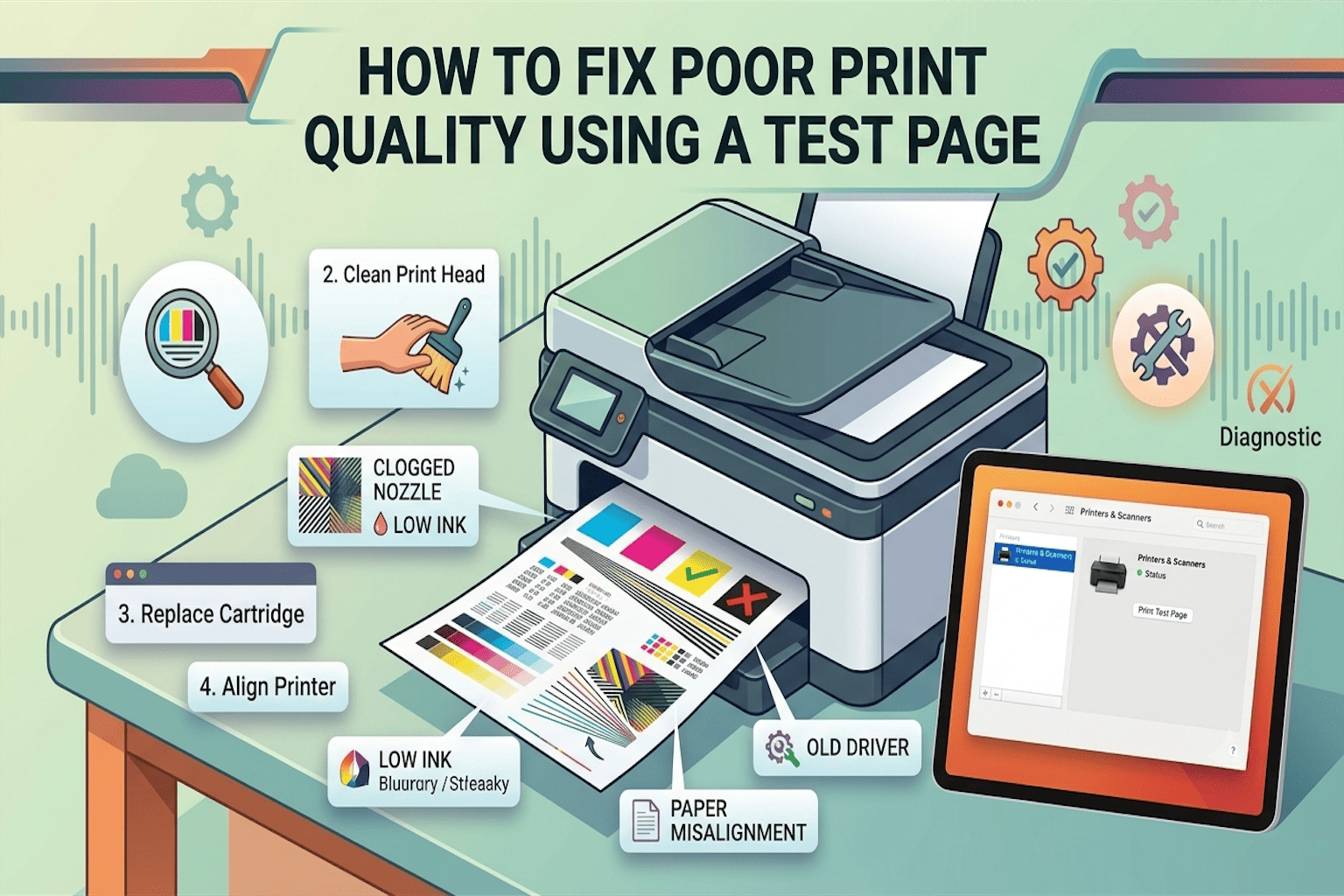
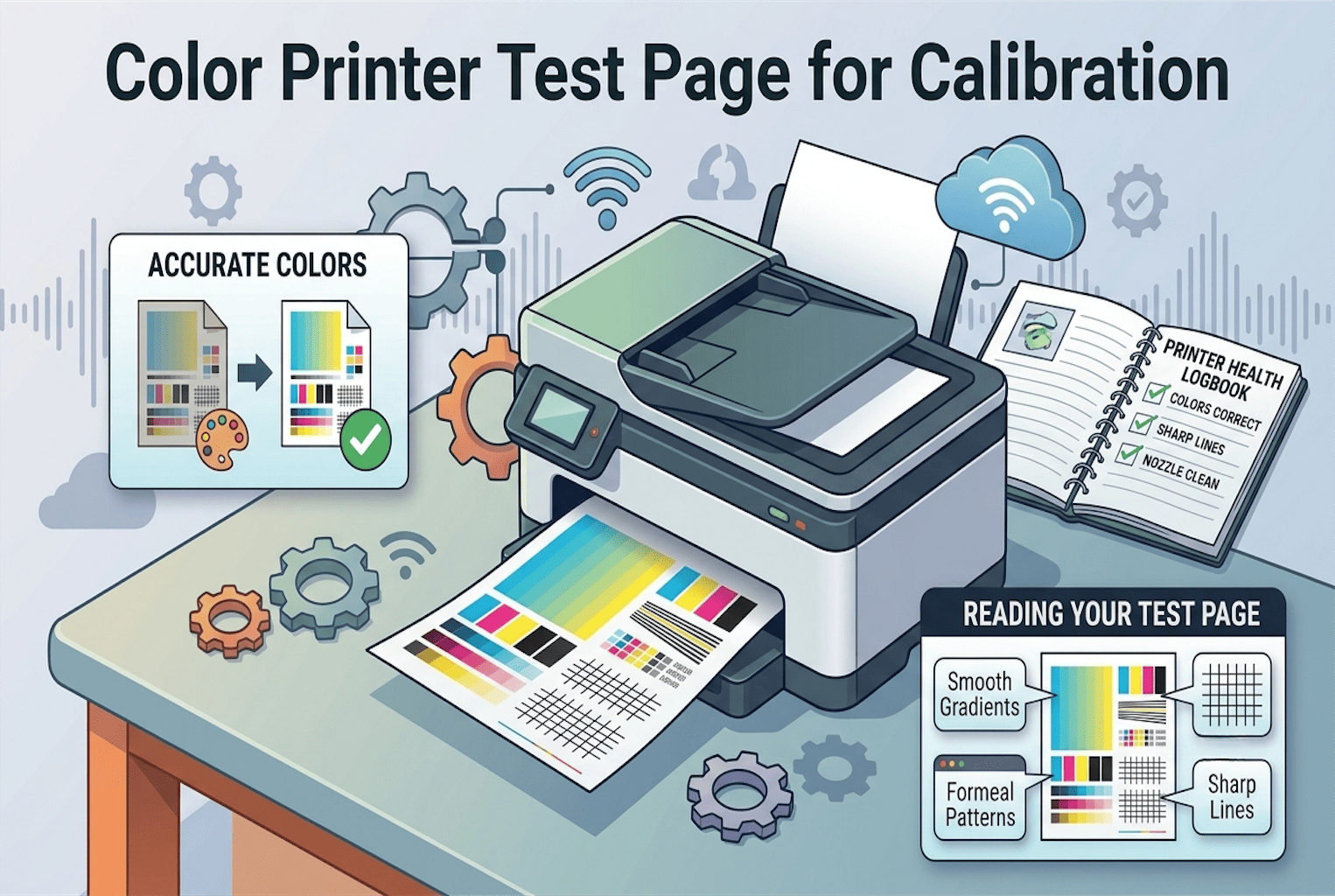
It gives you a quick snapshot of how your printer is doing right now. In the same way, it shows basic printer information along with sample text, colors, and patterns. This helps you see if the printer can print properly. A test page usually includes:
- Lines of text in different sizes
- Blocks of color (red, blue, yellow, black)
- Simple shapes or patterns
- Straight lines to check alignment
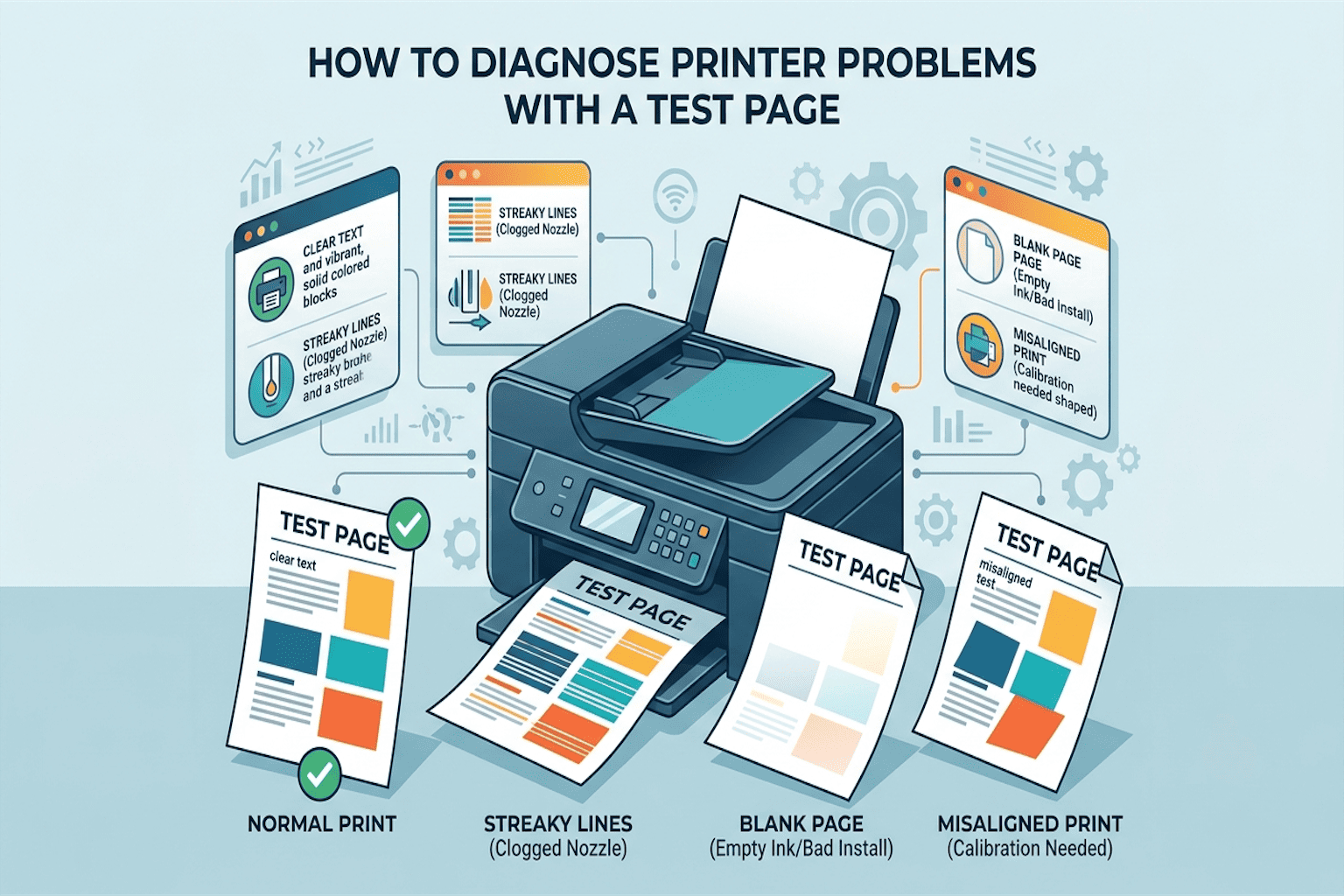
When you print this page, you can quickly spot problems like faded ink, streaky lines, missing colors, or blurry text. It is fast, easy, and does not require any special skill. Anyone can print a test page and understand the results just by looking at it.
Why People Print a Test Page
People usually print a test page when:
- They just set up a new printer
- The printer has not been used in a while
- Something looks “off” with a recent print
- They want a quick check before printing something important
It is basically your first line of defense. If something looks wrong, the test page tells you right away.
What Is a Calibration Page?
Now let’s talk about the calibration page. This one is a bit different, and honestly, a little more advanced. A calibration page does not just show you a problem. It actually helps your printer fix itself. When you print a calibration page, the printer uses it (or the software reads it) to adjust its own settings.
This includes things like color accuracy, ink balance, and how well the colors line up with each other. Think of calibration like tuning a guitar. A test page tells you the guitar sounds off. Calibration is the actual process of turning the knobs until it sounds right again. Calibration mainly focuses on:
- Color accuracy to make sure red looks like red, not orange.
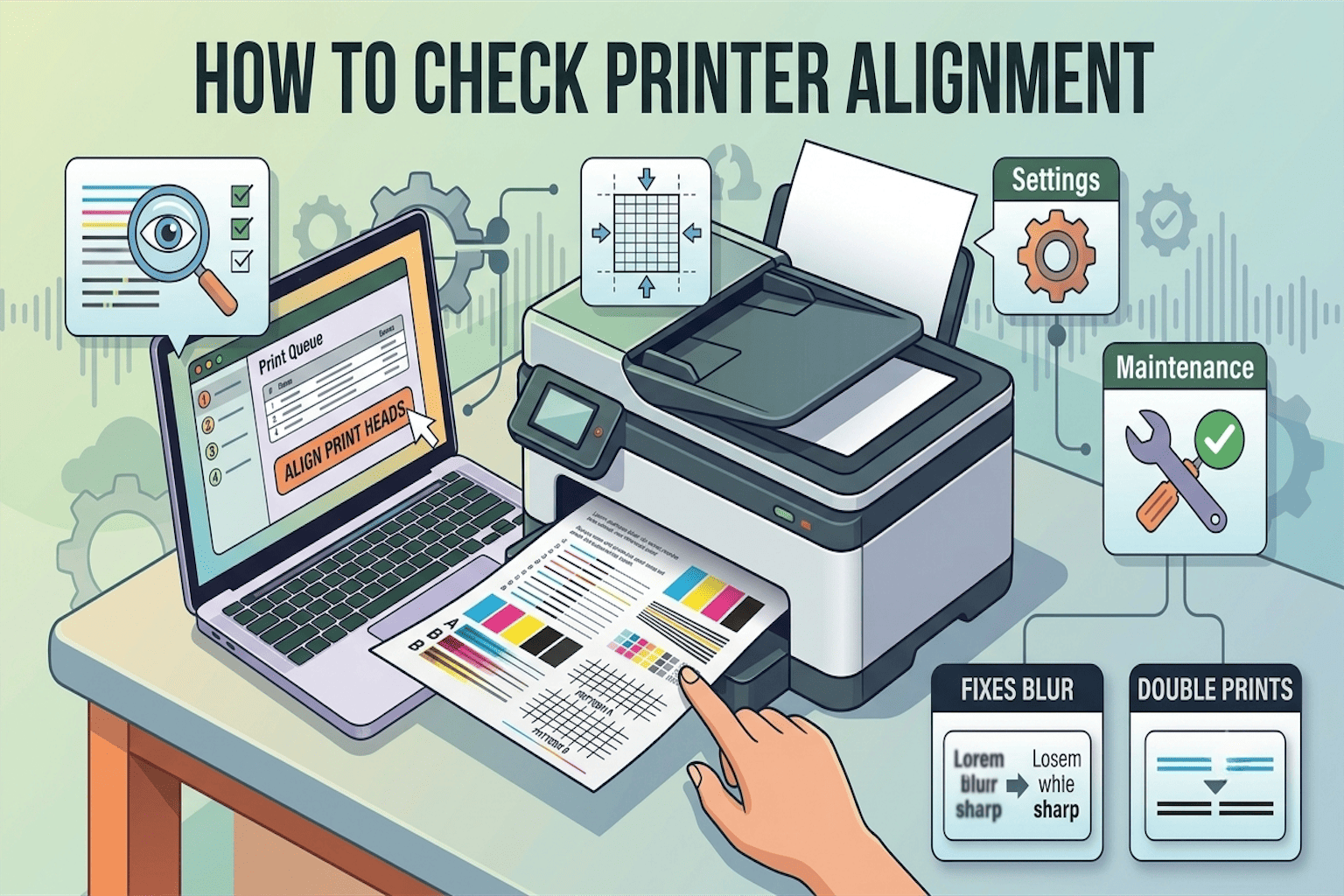
- Print head alignment, making sure lines and text do not look shifted or doubled.
- Consistency, making sure every print looks the same, print after print.
Why People Use Calibration
People usually calibrate their printer when:
- They print photos or design work that needs perfect colors
- Colors look wrong compared to what is on the screen
- They just replaced an ink cartridge or print head
- They print professionally and cannot afford mistakes
Calibration takes a little more time than a test page, but it gives you far more control over how accurate your prints really are.
Test Page vs Calibration Page: The Main Difference
Here is the simplest way to remember it:
- A test page shows you if there is a problem.
- A calibration page helps fix that problem, especially color and alignment issues.
- One is for checking. The other is for correcting.
To make this even easier, here is a quick comparison table:
| Feature | Test Page | Calibration Page |
|---|---|---|
| Main purpose | Checks printer health | Fixes color and alignment |
| Best for | Quick everyday checks | Accurate, professional printing |
| Skill needed | None, very beginner-friendly | Slightly more technical |
| Time it takes | Very quick | Takes a bit longer |
| Who needs it | Home users, casual printing | Photographers, designers, professionals |
| What it improves | Nothing on its own just shows issues | Actually adjusts printer settings |
| How often to use | Anytime you notice an issue | Every few months, or after a cartridge change |
Which One Should You Use First?
Great question, and here is the honest answer: always start with a test page. Think of it as step one. Print the test page first. Look closely at the colors, the text, and the lines. If everything looks sharp and clean, you are done. No need for calibration.
But if you notice colors that look faded, shifted, or just plain wrong, that is your sign to move to step two: calibration. This is especially true if you print photos, marketing materials, or anything where color accuracy really matters.
So the simple rule is:
- Print a test page to spot the issue
- Run calibration to solve the issue
When You Need Calibration, Not Just a Test Page
Sometimes people run test page after test page and still see the same problem. If that sounds like you, here are some signs that calibration is what you actually need:
- Colors on paper do not match what you see on your screen
- Photos look dull, too dark, or too warm
- Straight lines appear slightly crooked or doubled
- Skin tones in photos look unnatural
- You just replaced ink cartridges, and things still look off
If you notice any of these, a simple test page will not solve the problem. It is time to run a proper calibration.
How Often Should You Do Each One?
Test Page: You can print this anytime. There is no harm in checking often, especially if you print occasionally or your printer has been sitting idle for a while.
Calibration: This does not need to be done as often. Most experts suggest calibrating every one to three months for regular use, or immediately after changing ink cartridges or print heads.
Doing either one too often will not damage your printer, but calibration, especially, is meant to be used only when needed, not as a daily habit.
Final Thoughts
Knowing the difference between the test page and the calibration page makes printer troubleshooting much easier. A test page helps you find printing problems, while a calibration page helps improve print quality by adjusting the printer’s settings. Using the right page at the right time can save ink, paper, and frustration.
If you’re facing printer issues, start with a test page. Then, if the print quality still looks poor, run a calibration page to help your printer produce sharper and more accurate prints.
Frequently Asked Questions
Is a calibration page the same as a test page?
No. A test page simply shows you how your printer is performing right now. A calibration page goes a step further and actively adjusts your printer’s settings, mainly for color and alignment accuracy.
Can I skip the test page and go straight to calibration?
You can, but it is not recommended. Printing a test page first helps you understand exactly what is wrong, so you do not waste time calibrating something that did not need fixing in the first place.
Does calibration fix clogged print heads?
Not directly. Calibration mainly improves color accuracy and alignment. For clogged print heads, you usually need a separate cleaning cycle, which many printers offer in their maintenance settings.
How do I know if my printer needs calibration?
If your printed colors look noticeably different from what you see on your screen, or if lines and text appear slightly misaligned, it is a strong sign that calibration is needed.
Is it safe to calibrate my printer myself?
Yes, most printers have a simple built-in calibration option in their settings or maintenance menu. It usually just takes a few clicks and a couple of minutes.