How to Check Printer Ink Quality
Have you ever hit “print” and waited only to get a page full of streaks, faded words, or weird lines and colors that just vanished? Annoying, right? Before you spend money on a new cartridge, ask yourself this: Is your ink actually bad, or is something else going on? Here’s the truth that most people never check. They just guess. And guessing wrong means wasted ink, wasted paper, and wasted money.
The good news? You can find out exactly what’s wrong with your printer ink in less than a minute, using a tool that’s already built into your printer. In this guide, we’ll tell you how to check printer ink quality step by step in simple words that anyone can follow. By the end, you’ll know exactly why your prints look off and exactly how to fix it. Let’s get started.
Why Checking Printer Ink Quality Matters
Bad ink doesn’t just waste paper. It can also:
- Make your documents look messy and unprofessional
- Waste your money on reprints
- Clog your printer over time
- Ruin important prints, like resumes or school projects
So before you blame your printer, it’s smart to check the ink first. Most of the time, the fix is easier than you think.
How to Check Printer Ink Quality: Step-by-Step
Here are the easiest and most reliable ways to test your printer ink quality at home or in the office.
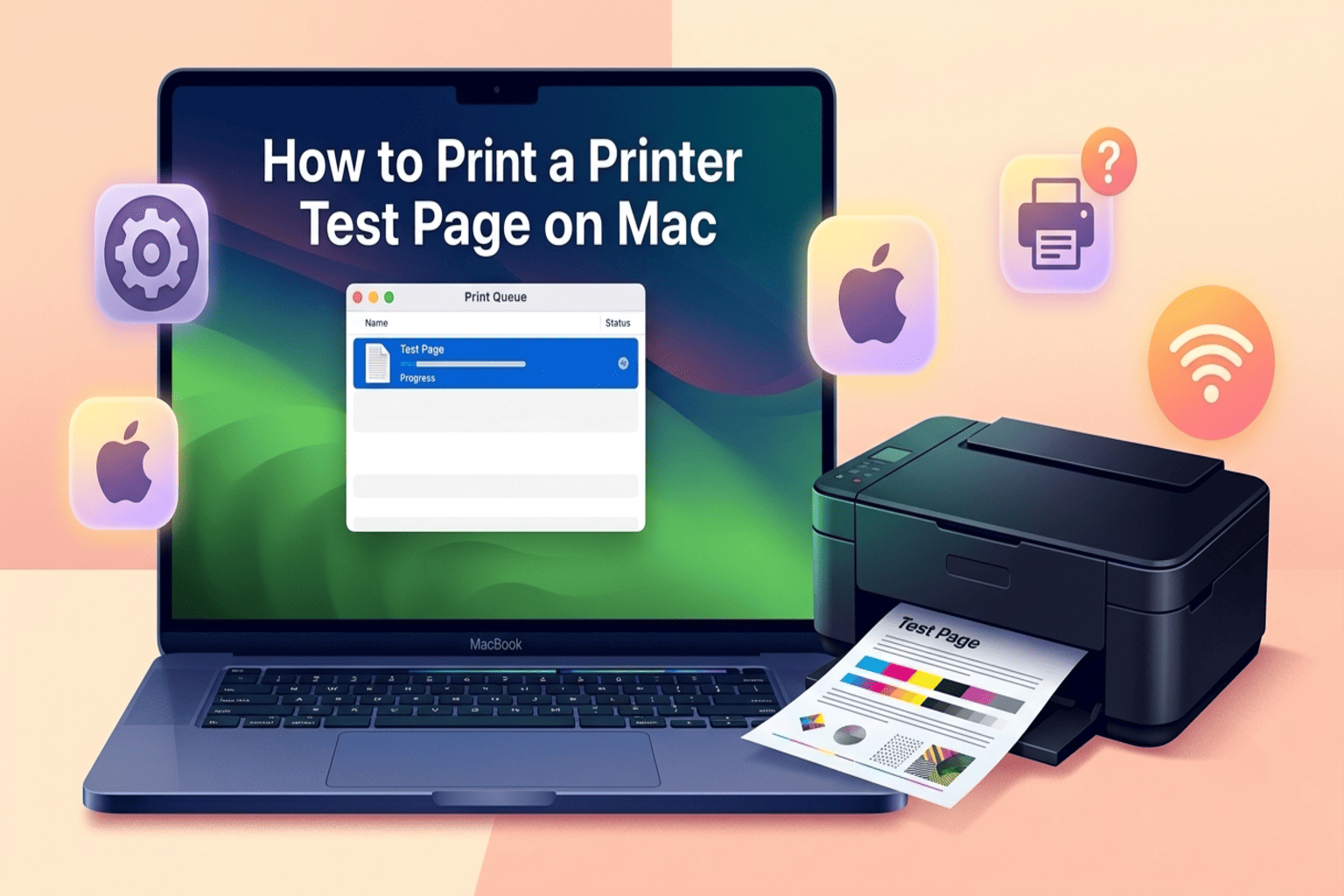
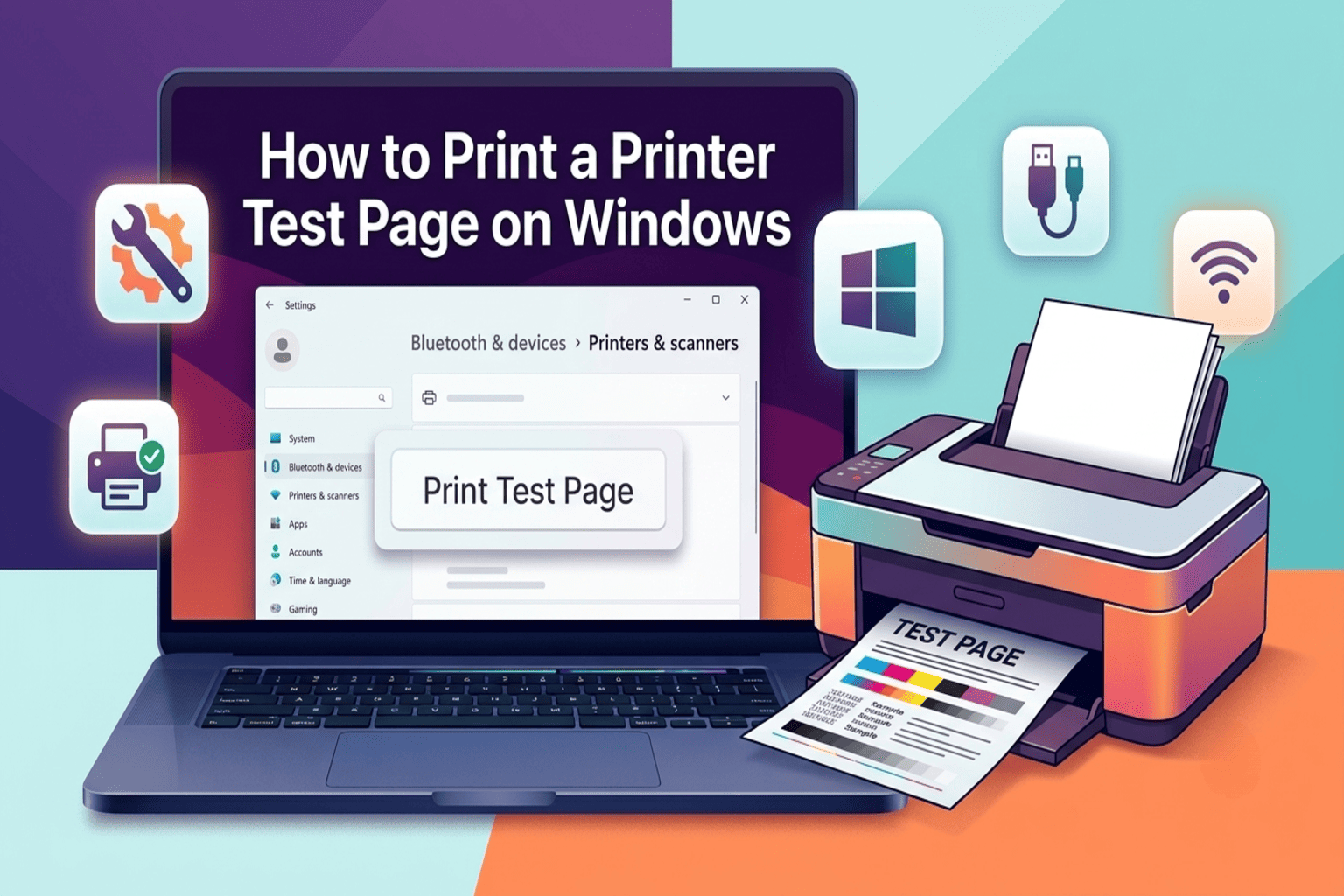
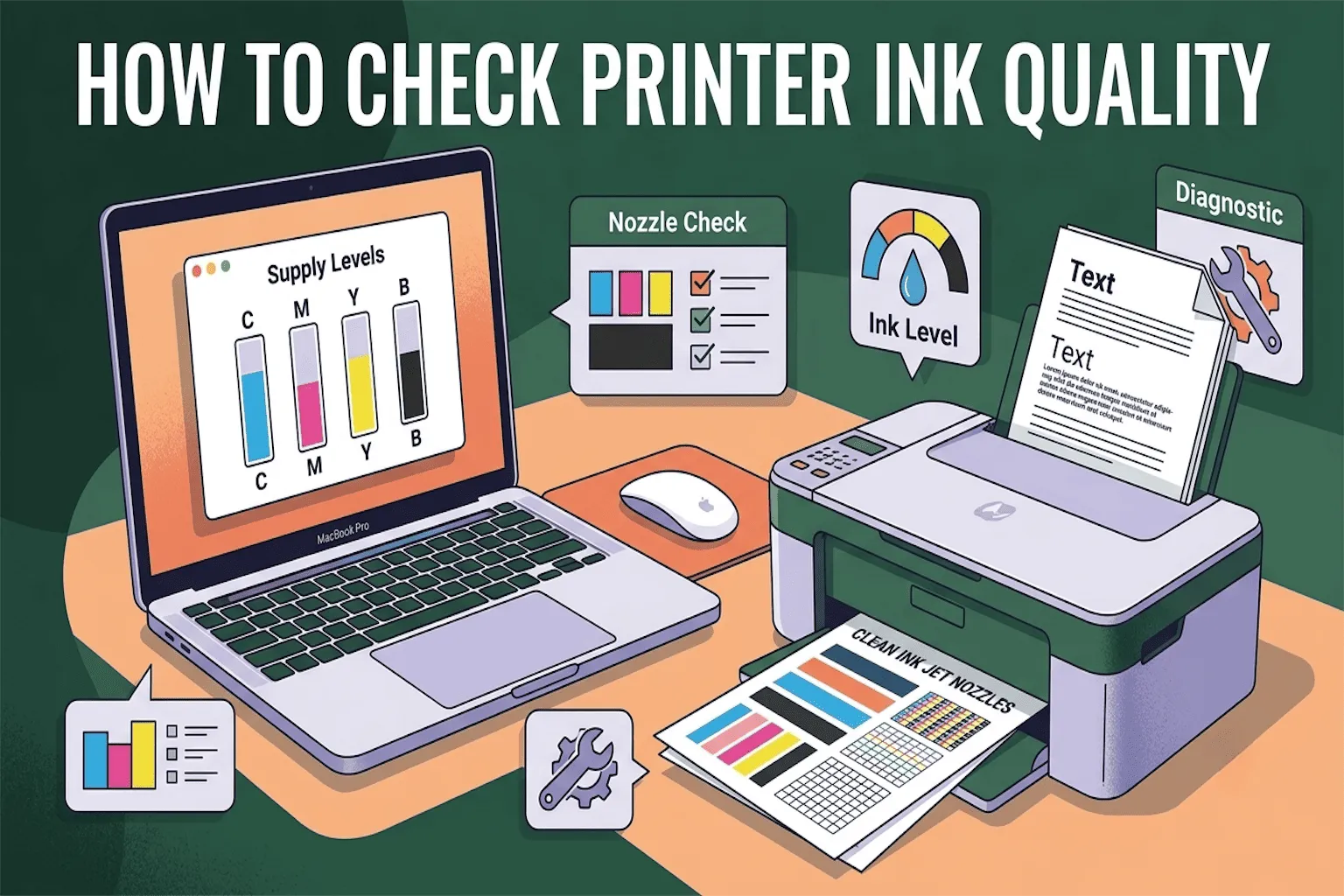
1. Print a Nozzle Check (Test Page)
This is the #1 way to check ink quality, and almost every printer has this built-in tool.
How to do it:
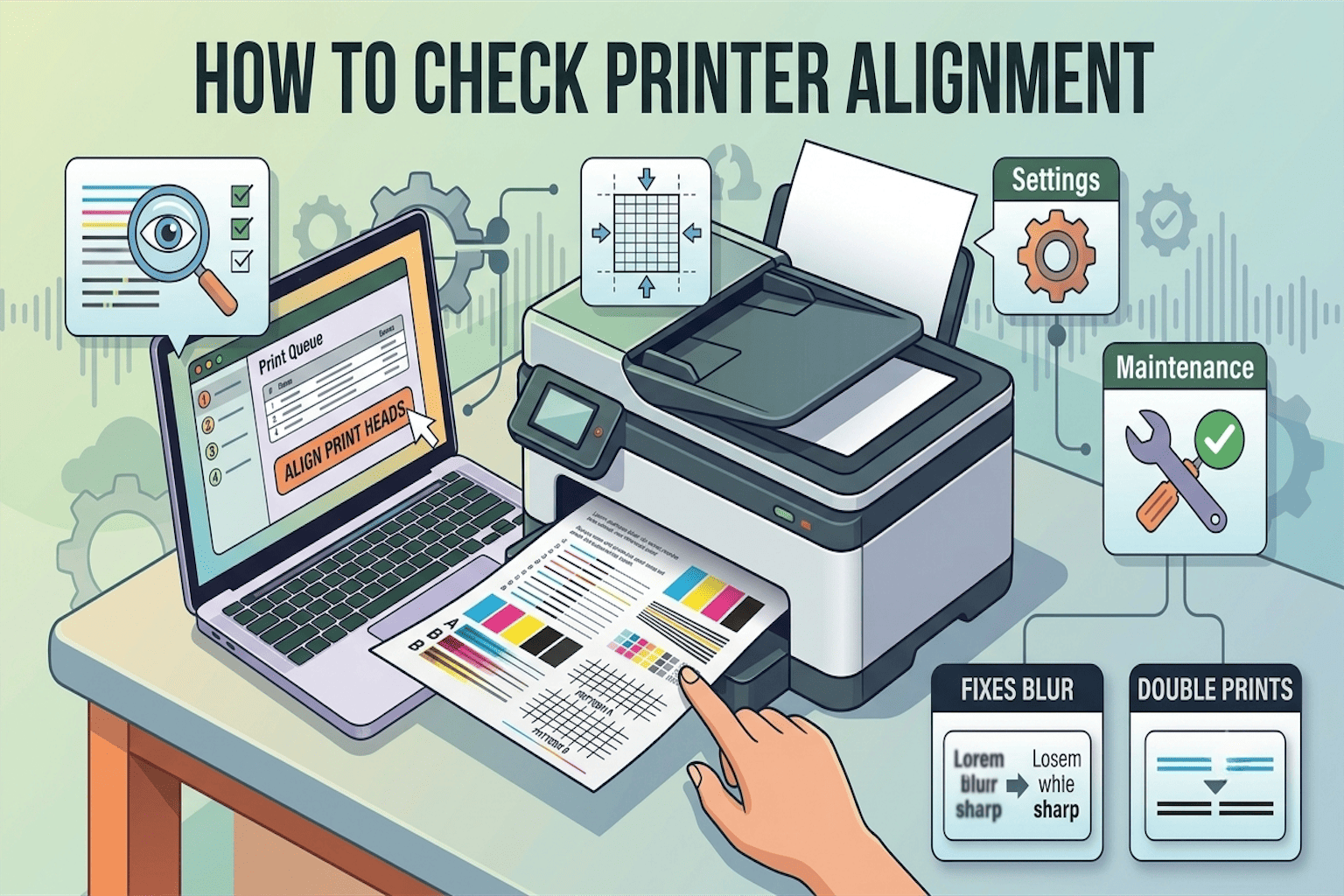
- Go to your printer’s control panel or settings on your computer
- Look for “Maintenance,” “Tools,” or “Printer Utility”
- Find the option called “Nozzle Check” or “Print Head Cleaning Test”
- Click it, and your printer will print a small pattern with colored lines and boxes
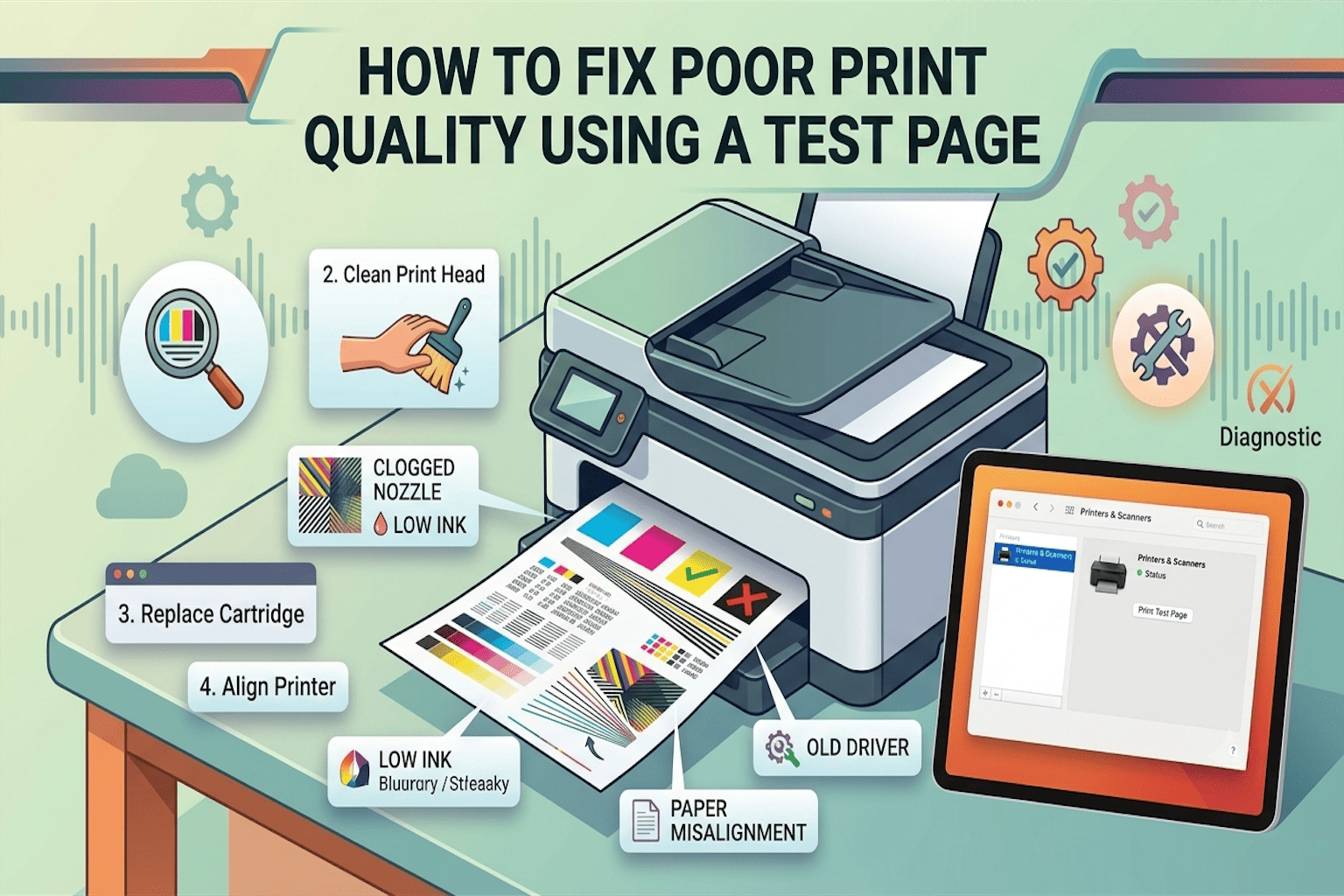
What to look for:
- If all the lines are solid, clear, and complete, your ink is in great shape
- If you see gaps, faded spots, or missing colors, your ink quality is low, or the print head may be clogged
This simple test takes less than a minute and instantly tells you what’s going on.
2. Check the Ink Level on Your Computer
Before checking quality, it helps to check ink levels, since low ink often looks like bad ink.
Steps:
- Open your printer software (usually found in Control Panel on Windows or System Settings on Mac)
- Look for “Estimated Ink Levels” or “Supply Levels”
- This shows a simple graphic of how full each ink cartridge is
If a cartridge is almost empty, that’s likely why your prints look faded or streaky, not necessarily bad ink quality.
3. Look at the Print Output Closely
Sometimes, the easiest test is simply printing a normal page and inspecting it. Check for these common signs of poor ink quality:
- Streaky lines across the page
- Faded text that looks grey instead of black
- Blotchy or smudged spots
- Missing colors (for example, no red or blue showing up)
- Ink bleeding through the paper
If you notice two or more of these signs, your ink cartridge may be old, dried out, or of low quality.
4. Check the Ink Cartridge Expiry Date
Yes, ink can expire! Most cartridges have a shelf life of 18-24 months after manufacturing.
How to check:
- Remove the cartridge carefully
- Look for a small printed date on the label
- If it’s expired, that could easily explain poor print quality, even if the cartridge still has ink inside
- Expired ink often dries out or separates, which causes streaky or inconsistent prints.
5. Do a Simple Water-Drop Test (For Loose Ink or Refills)
If you use refillable ink or buy ink separately, this quick trick helps check ink quality before filling your printer.
How to do it:
- Put one small drop of ink on plain white paper
- Watch how it spreads
What it means:
- Good quality ink spreads evenly and dries into a clean, solid dot
- Bad quality ink may spread unevenly, look watery, or leave a faded ring around the edge
This test is especially helpful for people using compatible or refill ink cartridges, since quality can vary a lot between brands.
Common Printer Ink Problems and Quick Fixes
| Problem | Likely Cause | Quick Fix |
|---|---|---|
| Faded prints | Low ink or clogged nozzle | Run a cleaning cycle |
| Streaky lines | Dried ink or clog | Clean print head |
| Missing color | Empty cartridge | Replace cartridge |
| Smudged ink | Wrong paper type | Use the recommended paper |
| Blotchy spots | Expired or low-quality ink | Replace with fresh ink |
How Often Should You Check Your Printer Ink Quality?
A good rule of thumb: check your ink quality once a month, or anytime you notice printing issues. If you print often (like for work or school), checking every 2 weeks helps you catch problems early before they ruin an important document.
Tips to Keep Your Printer Ink in Good Condition
- Print at least once a week, even a small test page. This keeps ink flowing and prevents clogging.
- Store extra cartridges in a cool, dry place, away from sunlight.
- Always use genuine or trusted compatible ink cartridges to avoid quality issues.
- Turn off your printer properly using the power button, not by unplugging it. This helps the print head stay capped and protected.
Final Thoughts
Checking your printer ink quality doesn’t have to be confusing or technical. With a quick nozzle check, a look at your ink levels, and a close look at your printed page, you can spot problems in minutes and fix them before they get worse. So next time your prints come out looking a little “off,” you’ll know exactly what to check first.
Frequently Asked Questions
How do I know if my printer ink is bad?
Run a nozzle check test. If the printed lines are broken, faded, or missing colors, your ink is likely low or bad.
Can old ink damage my printer?
Yes. Old or dried ink can clog the print head, which may lead to expensive repairs if not cleaned in time.
Does low ink always mean bad print quality?
Not always. Sometimes it’s a clogged nozzle, even if there’s ink left in the cartridge. That’s why running a nozzle check is so useful.
How long does printer ink last once opened?
Most opened ink cartridges last about 6 months before quality starts to drop.