How to Fix Clogged Printhead Without Replacing It
If you need to fix clogged printhead issues, you might think replacing the printhead is your only option. Fortunately, that’s not true. A clogged printhead is a common problem that can often be resolved with simple cleaning methods. When ink dries inside the nozzles, it blocks proper ink flow, leading to poor print quality.
The good news is that you can clean printhead without replacing it in most cases. With the right approach, you can restore your printer’s performance and avoid unnecessary costs.
What Causes a Clogged Printhead
A printhead is responsible for delivering ink onto paper in precise patterns. When it becomes blocked, ink cannot flow properly, resulting in missing colors or uneven prints.
Clogs usually occur when ink dries inside the nozzles. This often happens if the printer is not used regularly. Using low-quality ink or leaving cartridges installed for long periods can also contribute to the problem.
Understanding these causes helps you prevent future issues and maintain consistent print quality.
Signs You Need to Fix Clogged Printhead
Recognizing the symptoms early makes it easier to unclog printer head before the issue worsens.
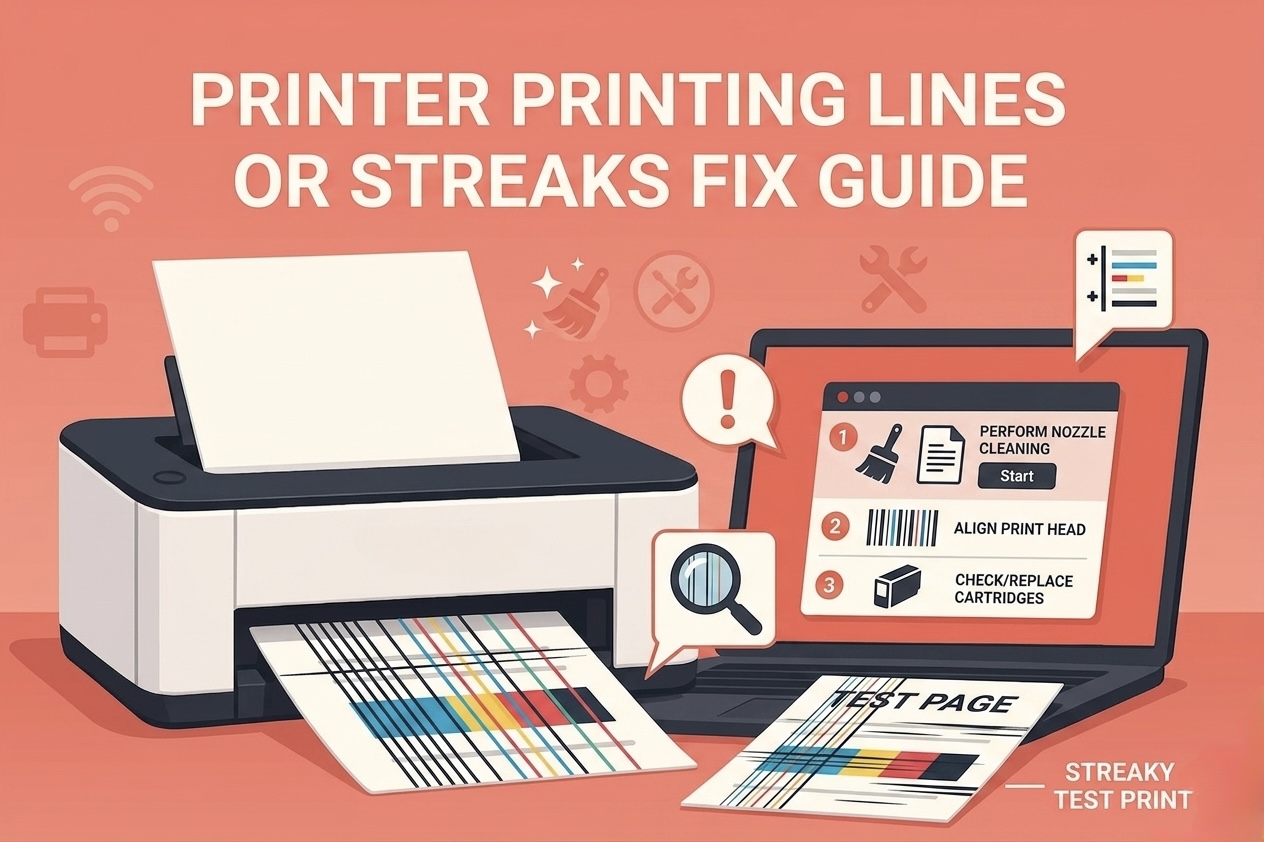
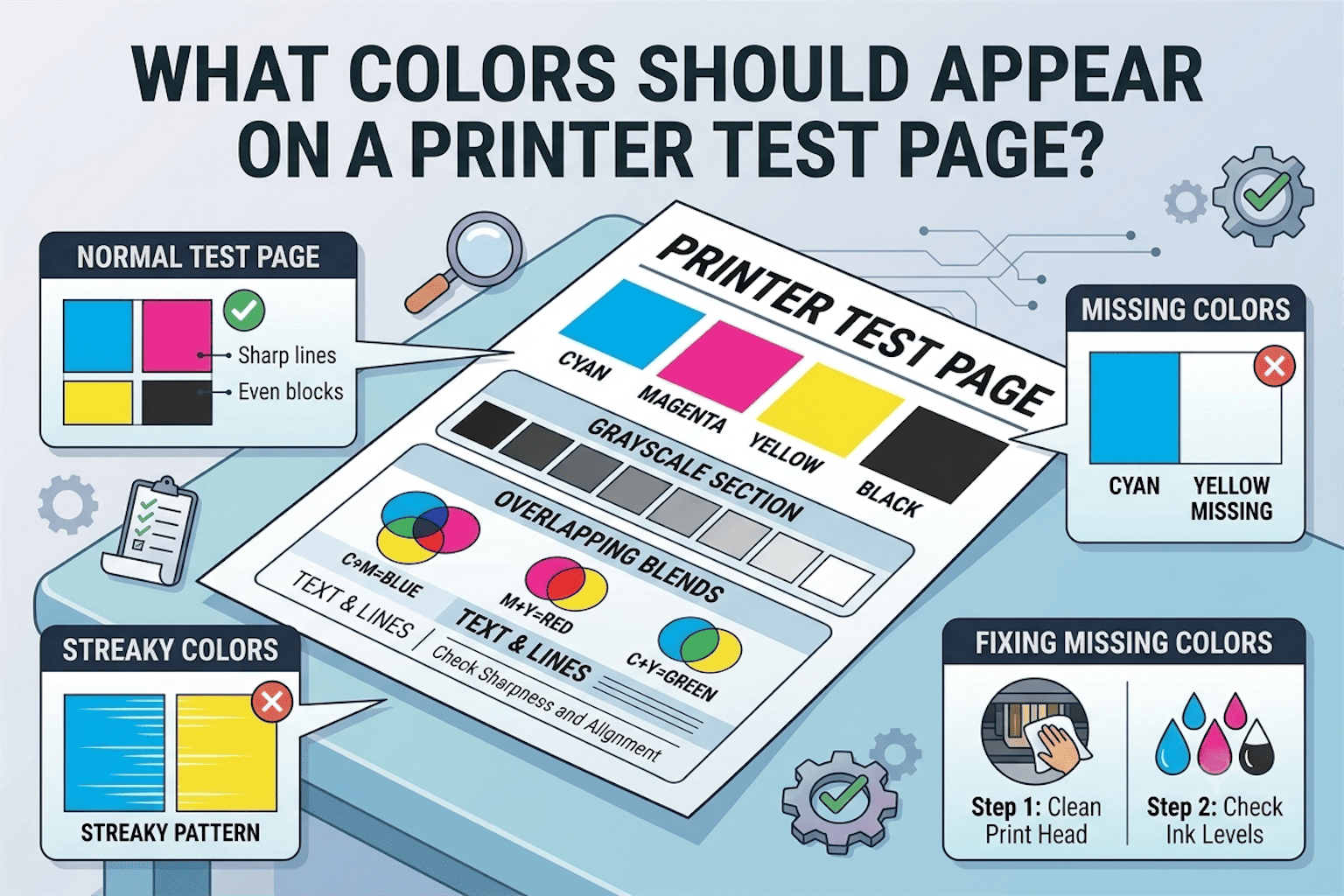
Common signs include faded prints, missing colors, and visible lines or streaks on the page. Sometimes, certain colors may disappear completely, indicating a blockage in specific nozzles.
If your prints do not look as expected, a clogged printhead is likely the cause.
Use Built-in Cleaning Function First
Most printers come with a built-in cleaning feature designed to clear minor clogs. This function pushes ink through the nozzles to remove dried ink.
Running the cleaning cycle once or twice can often restore normal ink flow. If the problem persists, repeating the process may improve results, but avoid excessive cleaning as it can consume ink.
This is usually the easiest and safest way to start.
Manual Cleaning to Unclog Printer Head
If built-in cleaning does not work, manual cleaning can be an effective next step. Carefully remove the ink cartridge and access the printhead area.
Using a soft cloth lightly dampened with warm distilled water, gently clean the nozzles. This helps dissolve dried ink without damaging the components.
Take your time and avoid applying too much pressure. Proper handling is important to prevent further issues.
Use Cleaning Solution for Stubborn Clogs
For more severe clogs, specialized cleaning solutions can be used. These solutions are designed to break down dried ink more effectively than water.
Apply a small amount to the affected area and allow it to sit briefly before cleaning. This method can help restore ink flow when standard cleaning methods are not enough.
Using the right solution can make a noticeable difference in print quality.
Check Ink Cartridges and Flow
Sometimes the issue is not the printhead itself but the ink supply. Cartridges that are empty, faulty, or improperly installed can interrupt ink flow.
Make sure your cartridges are securely installed and contain enough ink. Replacing old or damaged cartridges can improve performance and prevent recurring clogs.
Ensuring proper ink flow is essential for maintaining consistent output.
Prevent Future Printhead Clogs
Preventing clogs is easier than fixing them. Regular use of your printer helps keep ink flowing and prevents it from drying inside the nozzles.
Printing a small document every week can significantly reduce the risk of clogs. Using high-quality ink and storing your printer in a suitable environment also helps maintain performance.
Simple habits can extend the life of your printhead and reduce maintenance needs.
Use a Test Page to Confirm Results
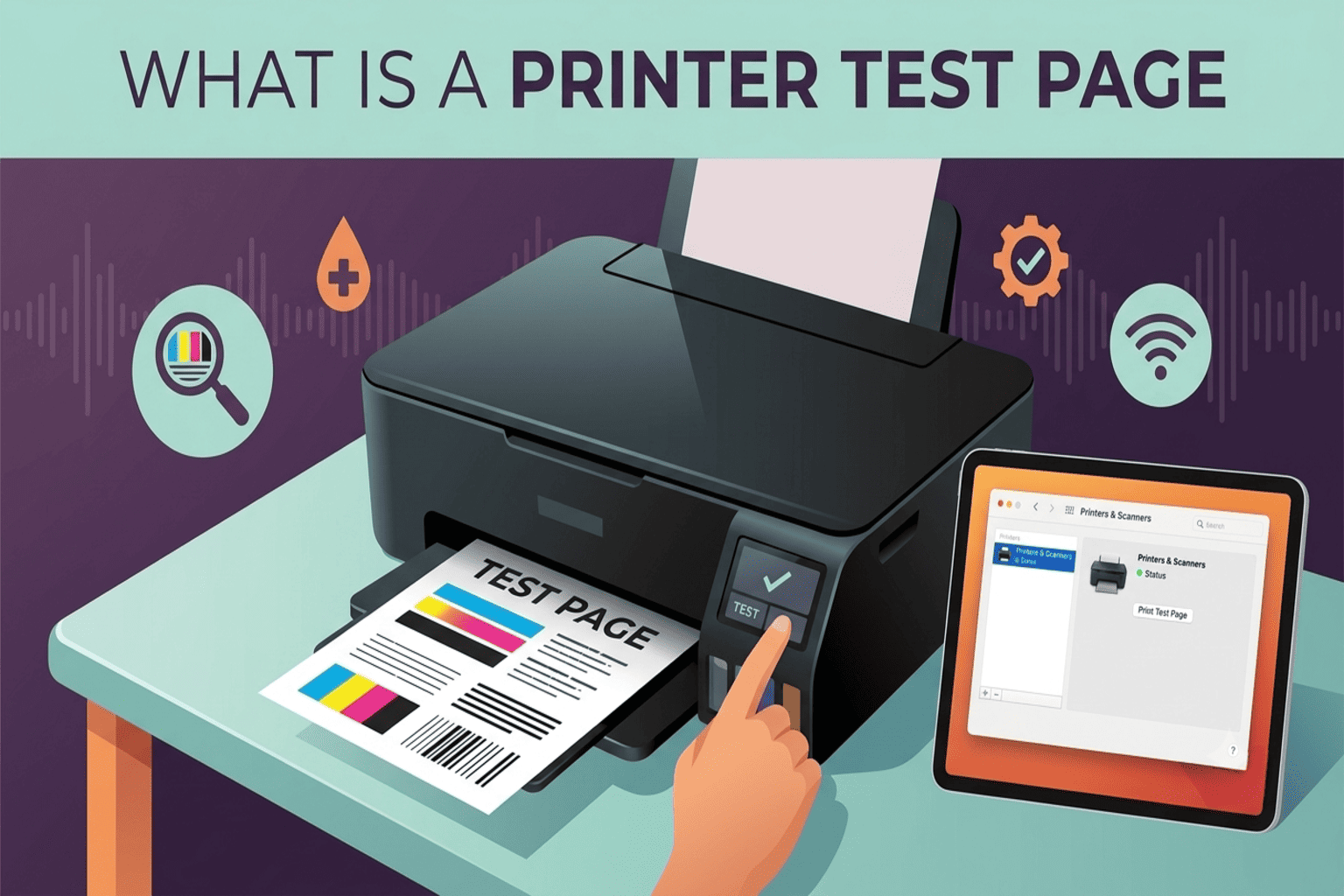
After cleaning, printing a test page allows you to confirm whether the issue has been resolved. A clear and complete test page indicates that ink is flowing properly again.
You can quickly check your printer’s performance using the print test page, which provides useful test pages for identifying print quality improvements.
This step ensures that your efforts have successfully restored your printer.
Conclusion
Learning how to fix clogged printhead problems without replacing it can save both time and money. Most clogs are caused by dried ink and can be resolved with simple cleaning methods.
By using built-in cleaning functions, performing manual cleaning when needed, and maintaining proper ink flow, you can keep your printer working efficiently. Regular maintenance and consistent use will help prevent future issues and ensure reliable print quality.
FAQ
Can I clean printhead without replacing it
Yes, most printhead clogs can be cleared using built-in cleaning or manual methods without replacement.
How do I unclog printer head quickly
Start with the printer’s cleaning function, then move to manual cleaning if necessary.
What causes printhead clogs
Dried ink, infrequent printer use, and low-quality ink are the most common causes.